
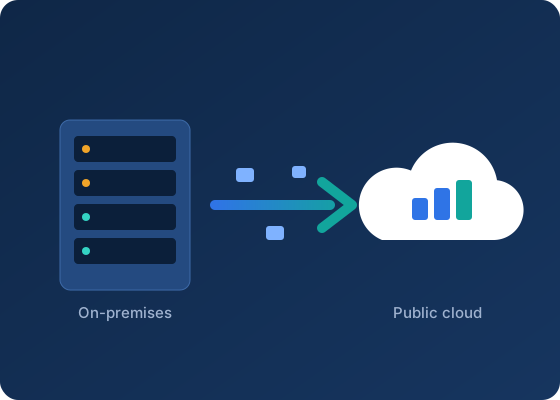
Successful migrations are decided before the first server moves. Use this checklist to assess applications, dependencies, people and budget ahead of a move to Azure, Alibaba Cloud or Tencent Cloud.
Moving applications from an on-premises data centre or a hosting provider to a public cloud is as much an organisational project as a technical one. The checklist below helps teams find gaps early, when they are cheap to fix.
1. Inventory and dependencies
- List every application, its owner, its business criticality and its users.
- Record servers, databases, storage volumes, scheduled jobs and external integrations for each application.
- Map network dependencies, including hard-coded IP addresses, firewall rules and licence servers.
2. Choose a migration approach per application
Teams commonly classify each application into one of several approaches:
- Rehost: move virtual machines largely as they are.
- Replatform: make targeted changes, such as moving a database to a managed database service.
- Refactor: redesign parts of the application to use cloud-native services.
- Repurchase: replace the application with a software-as-a-service product.
- Retain or retire: keep it where it is for now, or switch it off.
Not every application needs the same treatment. Rehosting first and modernising later is often a practical path for systems with fixed deadlines.
3. Landing zone
- Account or subscription structure, naming and tagging standards.
- Identity integration, administrator roles and multi-factor authentication.
- Network design: address ranges, connectivity to remaining on-premises systems, and internet egress.
- Logging, monitoring, backup and security baselines in place before production workloads arrive.
4. People and process
- Who will operate the environment after the move, and do they have the skills and access they need?
- How will changes be approved, and how will incidents be escalated to the cloud provider?
- Which support plan will you hold with each provider or through your reseller?
5. Budget and commercial terms
- Estimate running costs per application, including storage, backup, network egress and support.
- Plan for a period of dual running while workloads move.
- Review licensing for operating systems and databases; some licences can be reused in the cloud, others cannot.
6. Cut-over and validation
- Test data synchronisation and rollback before the cut-over window.
- Agree acceptance criteria with application owners, including performance and functional checks.
- Decommission old infrastructure only after a stable period in the cloud.
This article is general information and not legal, tax or financial advice. Service features, regions and prices change; confirm current details with each provider before making decisions.